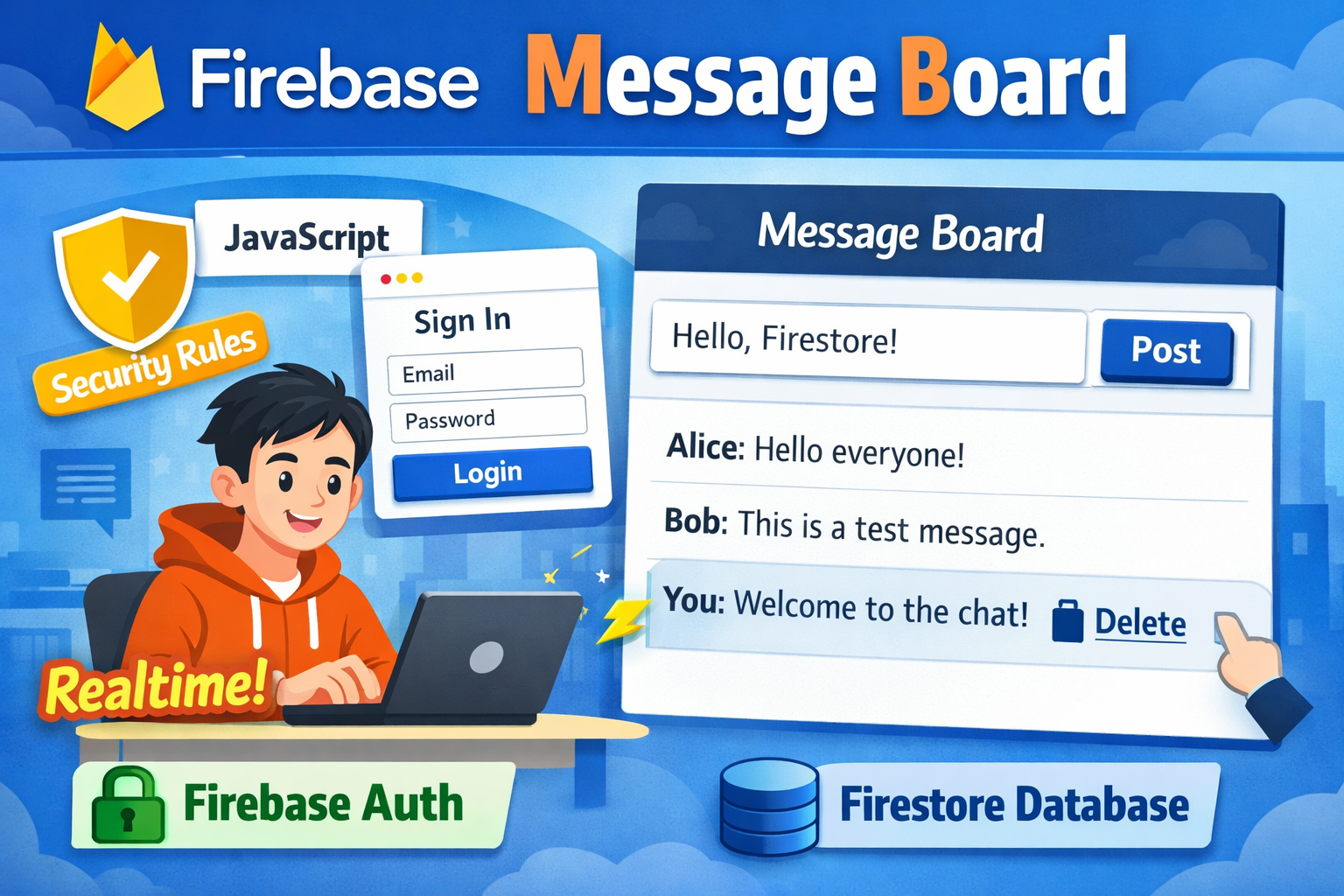
Firebase Firestore は、Web やアプリから 直接アクセスできるクラウド型の NoSQL データベースです。
リアルタイム同期と柔軟なデータ構造により、サーバーを書かずに動的なアプリを作れます。
認証(Firebase Authentication)と連携し、セキュリティルールで安全にデータ制御できます。
今回は簡単なメッセージボードを作成してみたいと思います。

Firestore を有効化する
- Firebase コンソール
Sign in - Google Accountsconsole.firebase.google.com - Firestore Database
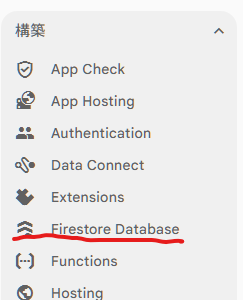
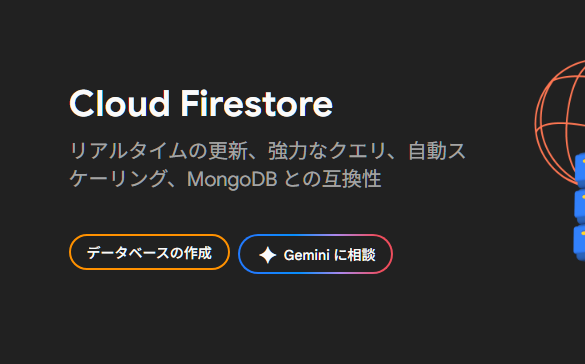
- データベース作成
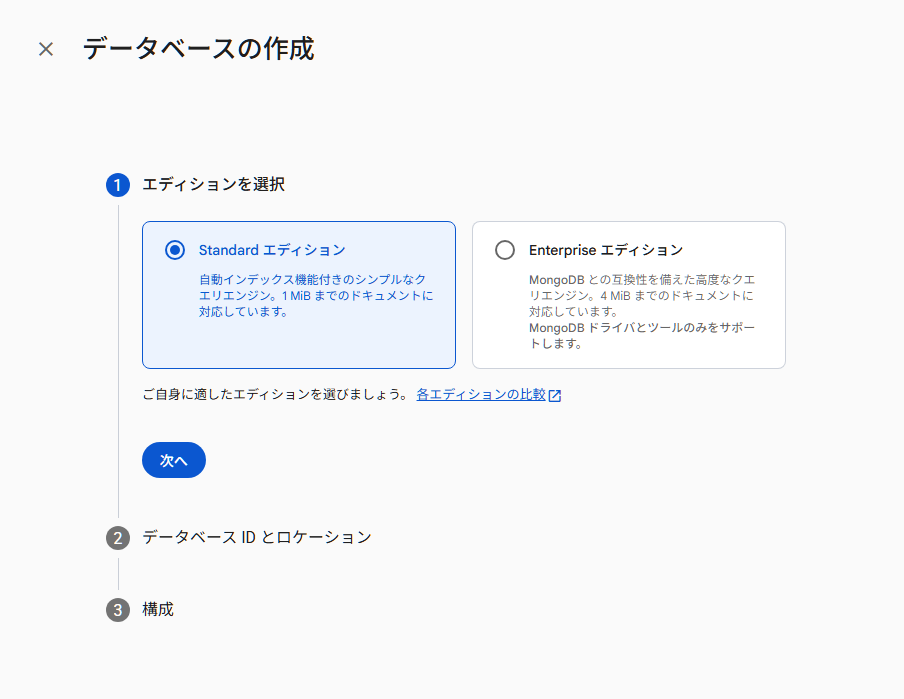
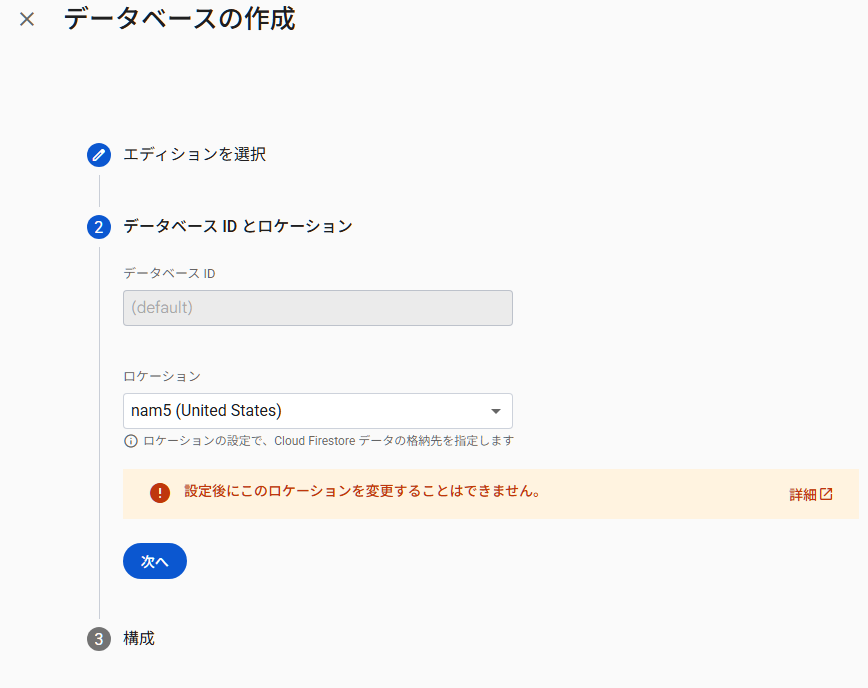
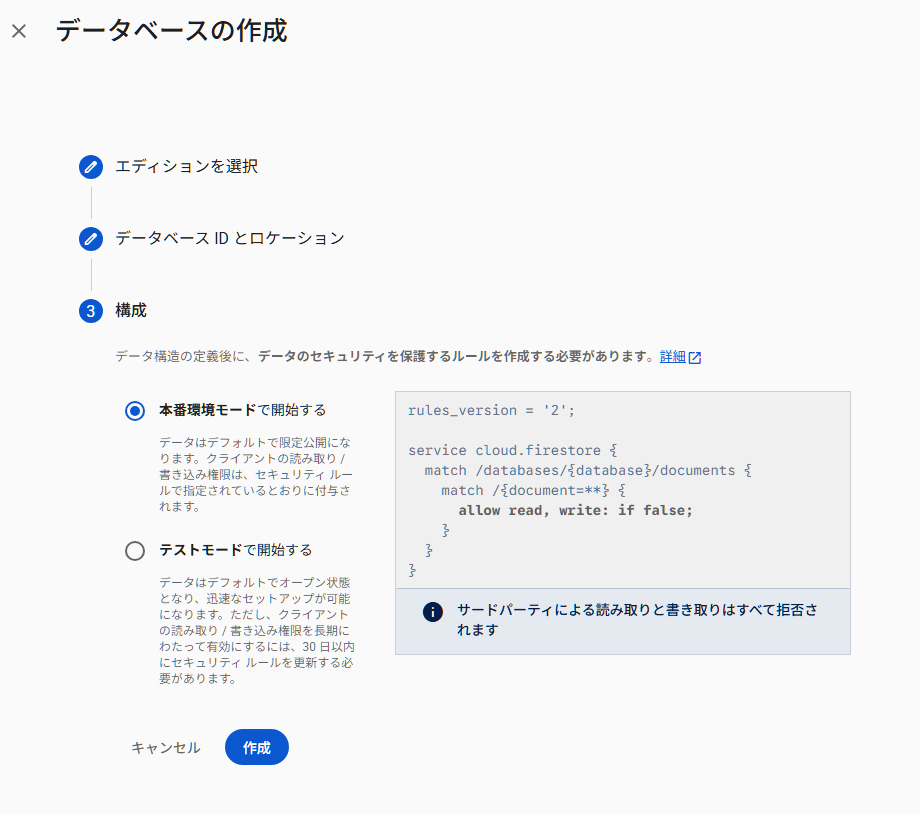

データベースルール
コンソール→ルール→(内容を変更)

内容:
rules_version = '2';
service cloud.firestore {
  match /databases/{database}/documents {

    match /messages/{messageId} {

      // ログイン必須:閲覧
      allow read: if request.auth != null;

      // ログイン必須:投稿
      allow create: if request.auth != null;

      // 削除:投稿者本人のみ
      allow delete: if request.auth != null
        && request.auth.uid == resource.data.uid;

      // 編集は禁止
      allow update: if false;
    }
  }
}
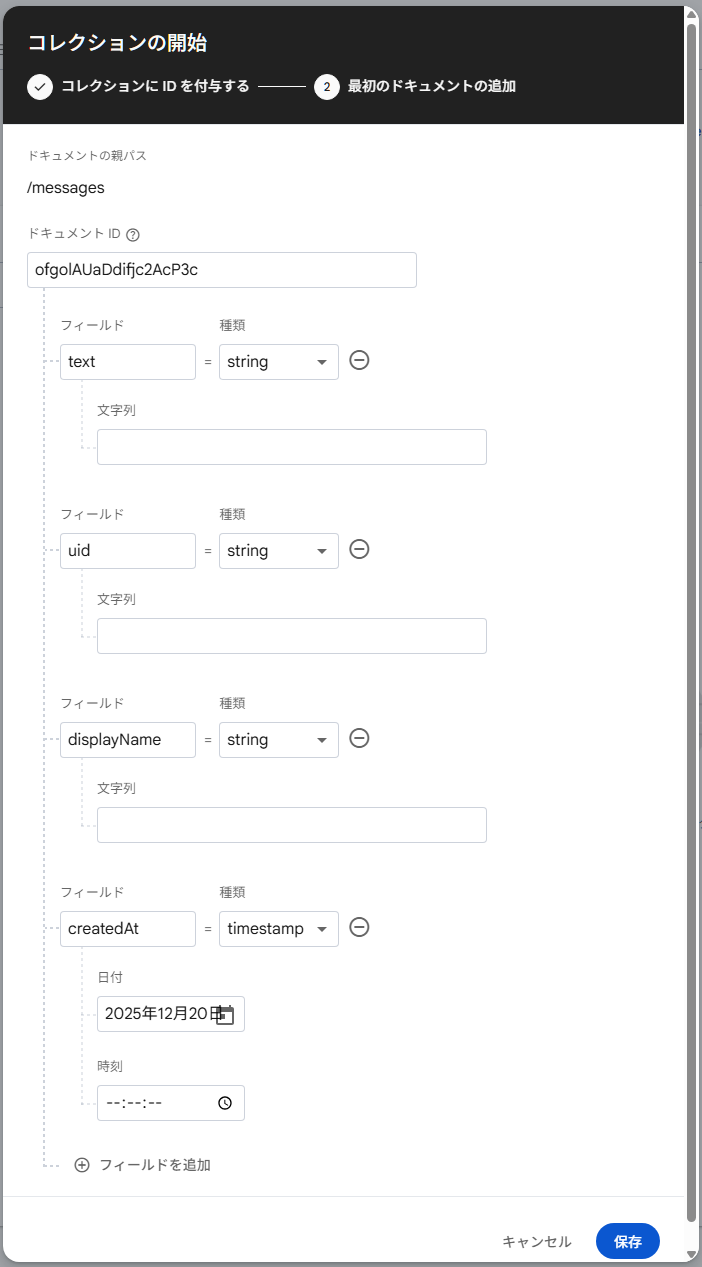
データベースコレクション追加
コンソール→データ→+コレクションの開始
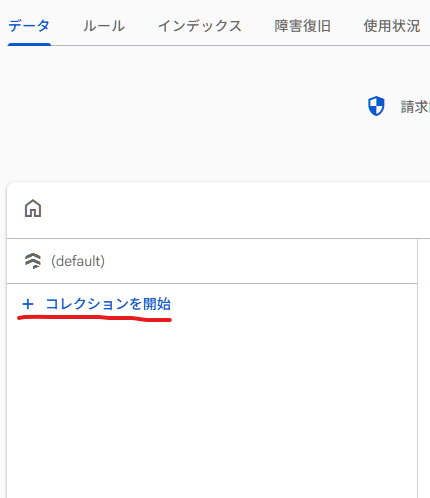
IDをmessagesでセット
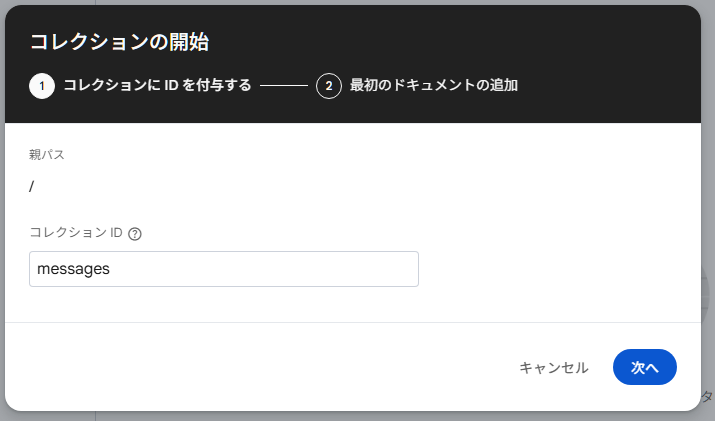
自動IDを選ぶ
以下のフィールドを追加
messages/{autoId}
  ├ text: string
  ├ uid: string
  ├ displayName: string
  ├ createdAt: timestamp
サンプルアプリ
メッセージボードを作成します。
<!DOCTYPE html>
<html lang="ja">
<head>
  <meta charset="UTF-8">
  <title>Firebase Message Board</title>
</head>
<body>

<h2>メッセージボード</h2>

<input id="message" placeholder="メッセージ">
<button id="send">送信</button>

<ul id="messages"></ul>

<script type="module">
  // --- Firebase SDK ---
  import { initializeApp } from "https://www.gstatic.com/firebasejs/12.7.0/firebase-app.js";
  import { getAuth, onAuthStateChanged } from "https://www.gstatic.com/firebasejs/12.7.0/firebase-auth.js";
  import {
    getFirestore,
    collection,
    addDoc,
    deleteDoc,
    doc,
    query,
    orderBy,
    onSnapshot,
    serverTimestamp
  } from "https://www.gstatic.com/firebasejs/12.7.0/firebase-firestore.js";

  // --- Firebase Config ---
  const firebaseConfig = {
    apiKey: "API_KEY",
    authDomain: "PROJECT_ID.firebaseapp.com",
    projectId: "PROJECT_ID",
    appId: "APP_ID"
  };

  // --- Init ---
  const app = initializeApp(firebaseConfig);
  const auth = getAuth(app);
  const db = getFirestore(app);

  // --- Login required ---
  onAuthStateChanged(auth, (user) => {
    if (!user) {
      alert("ログインしてください");
      location.href = "index.html";
    }
  });

  // --- Post message ---
  document.getElementById("send").onclick = async () => {
    const user = auth.currentUser;
    if (!user) return;

    const text = document.getElementById("message").value;
    if (!text) return;

    await addDoc(collection(db, "messages"), {
      text,
      uid: user.uid,
      displayName: user.displayName,
      createdAt: serverTimestamp()
    });

    document.getElementById("message").value = "";
  };

  // --- Realtime list ---
  const list = document.getElementById("messages");

  const q = query(
    collection(db, "messages"),
    orderBy("createdAt", "desc")
  );

  onSnapshot(q, (snapshot) => {
    list.innerHTML = "";

    snapshot.forEach((docSnap) => {
      const data = docSnap.data();
      const li = document.createElement("li");

      li.textContent = `${data.displayName}: ${data.text}`;

      // delete only by owner
      if (auth.currentUser?.uid === data.uid) {
        const btn = document.createElement("button");
        btn.textContent = "削除";
        btn.onclick = async () => {
          await deleteDoc(doc(db, "messages", docSnap.id));
        };
        li.appendChild(btn);
      }

      list.appendChild(li);
    });
  });
</script>

</body>
</html>
firebaseConfigは前回記事を参考にしてください。
実行イメージ
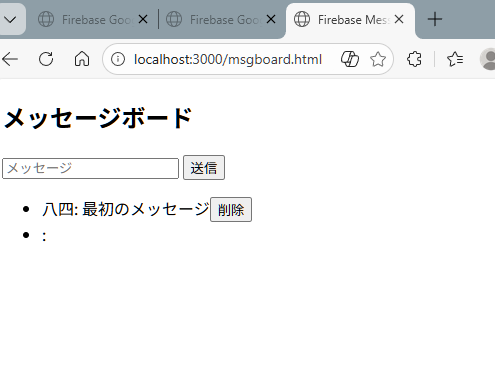
GitHub Pagesで公開した動くサンプル
https://kareteruhito.github.io/my-demo-app/firebase_auth/msgboard.html

コメント