
    // ぼかし処理
    public static ImageBuffer Blur(this ImageBuffer src, int kernelSize = 3)
    {
        if (kernelSize < 3) kernelSize = 3;
        if (kernelSize > 15) kernelSize = 15;
        if (kernelSize % 2 == 0) kernelSize++;

        int width = src.Width;
        int height = src.Height;
        int ch = src.Channels;

        if (ch != 1 && ch != 3)
            throw new Exception("Unsupported channel format (1 or 3 only)");

        var dst = ImageBufferHelper.Clone(src);

        byte[] sp = src.Pixels;
        byte[] dp = dst.Pixels;

        int stride = src.Stride;
        int radius = kernelSize / 2;

        Parallel.For(0, height, y =>
        {
            for (int x = 0; x < width; x++)
            {
                int[] sum = new int[ch];

                for (int ky = -radius; ky <= radius; ky++)
                {
                    int yy = y + ky;
                    if (yy < 0) yy = 0;
                    if (yy >= height) yy = height - 1;

                    int sy = yy * stride;

                    for (int kx = -radius; kx <= radius; kx++)
                    {
                        int xx = x + kx;
                        if (xx < 0) xx = 0;
                        if (xx >= width) xx = width - 1;

                        int si = sy + (xx * ch);

                        for (int c = 0; c < ch; c++)
                        {
                            sum[c] += sp[si + c];
                        }
                    }
                }

                int di = y * stride + (x * ch);
                int area = kernelSize * kernelSize;

                for (int c = 0; c < ch; c++)
                {
                    dp[di + c] = (byte)(sum[c] / area);
                }
            }
        });

        return dst;
    }
利用例
using System.Windows;
using Maywork.WPF.Helpers;
namespace WpfSample01;
public partial class MainWindow : Window
{
public MainWindow()
{
InitializeComponent();
string file = @"C:\Users\karet\Pictures\color\Mandrill.bmp"; // Color
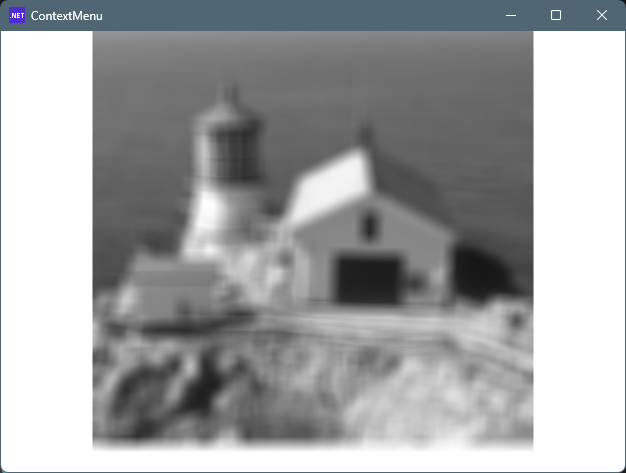
// string file = @"C:\Users\karet\Pictures\mono\Lighthouse.bmp"; // Gray
Image1.Source = ImageHelper.Load(file)
.ToBuffer()
.Blur(9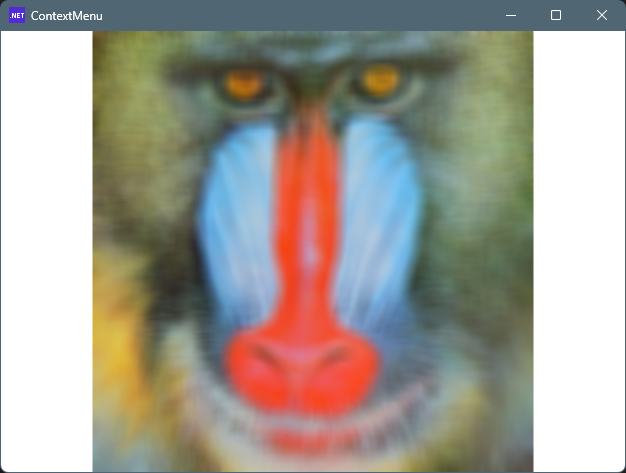 )
.ToBitmapSource();
}
}
)
.ToBitmapSource();
}
}<Window x:Class="WpfSample01.MainWindow"
xmlns="http://schemas.microsoft.com/winfx/2006/xaml/presentation"
xmlns:x="http://schemas.microsoft.com/winfx/2006/xaml"
xmlns:local="clr-namespace:WpfSample01"
Title="ContextMenu" Height="480" Width="640">
<Grid>
<Image x:Name="Image1" />
</Grid>
</Window>その他
ImageHelper.cs
ImageConverter.cs
カラー画像
グレースケール画像

コメント